Message from anywhere
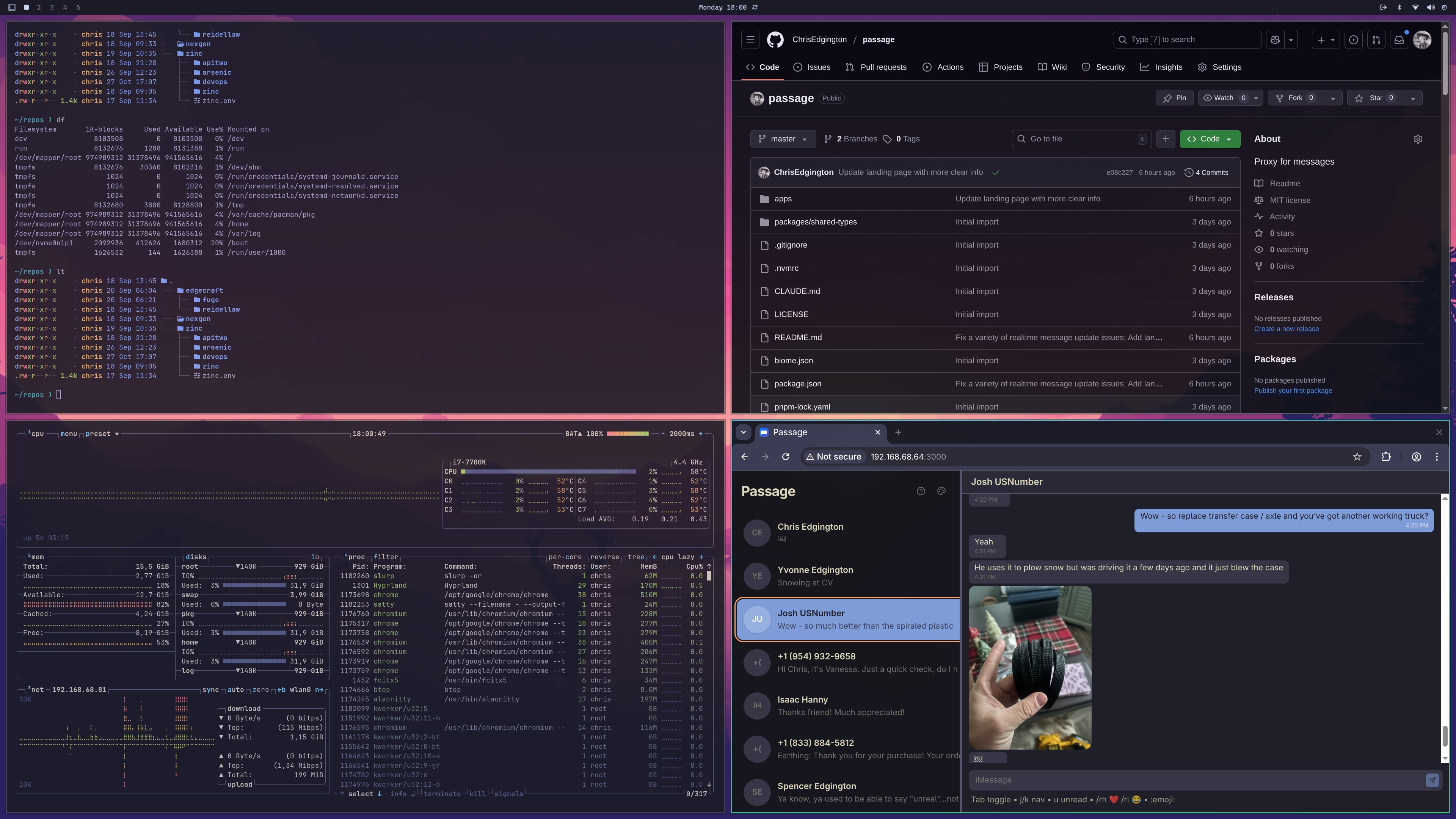
Access your texting conversations from any browser on your network. TV, Linux desktop, tablet—if it has a browser, you can message.
Why Passage?
A better way to access your messages from any device
Private & Local
Runs entirely on your Mac. Messages never leave your network. No cloud, no accounts, no tracking.
Real-time Sync
WebSocket-powered live updates. See new messages instantly as they arrive on your Mac.
Big Screen Ready
Large touch targets and keyboard navigation. Perfect for TVs, tablets, or your Linux desktop.
Blue & Green Bubbles
Full support for both blue bubbles and SMS (green bubbles). Send photos too.
Vim Keybindings
Navigate with j/k, jump with gg/G, compose with i. Power users rejoice.
Dark Mode
Beautiful dark interface that's easy on the eyes. Follows your system preference.
Get Started in 2 Minutes
A few commands and you're up and running
Requirements
- macOS with Messages.app signed into iCloud
- Terminal app needs Full Disk Access permission
- Node.js 22+ and pnpm installed
Clone the repository
Get the source code from GitHub
Install dependencies
Uses pnpm for fast, efficient package management
Build and run
Build the unified app and start the server. macOS will prompt for permissions (Contacts, Automation) on first run—approve these to enable full functionality.
Open in your browser
Access from any device on your network